Hey Encamera Users!
We have been really hard at work on Encamera 3.0.0! This release is all about improving the reliability of the iCloud storage, improving the multi-device key and authentication sync, and generally improving the foundation of Encamera.
Why We Moved Away From iCloud Drive
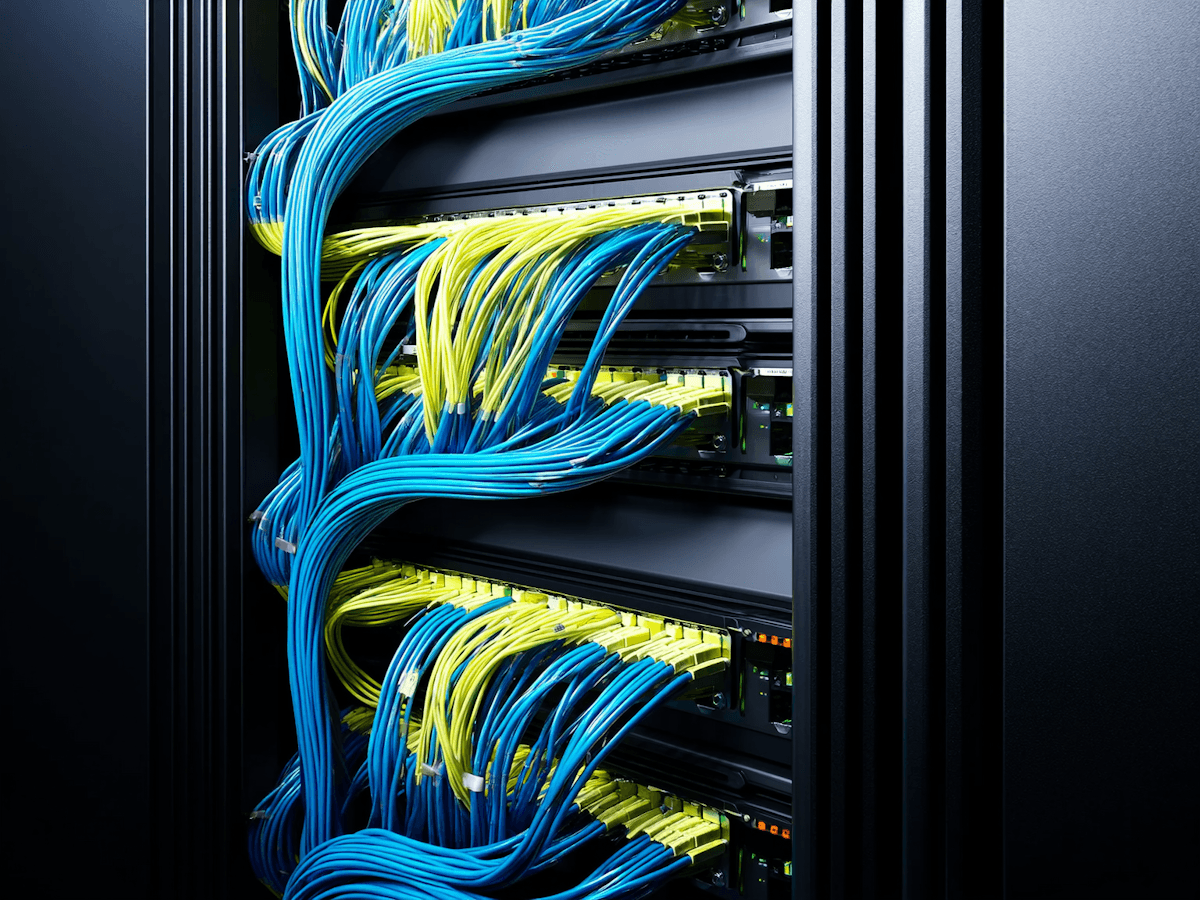
Your input has been super valuable to us, and we heard the issues you were having with the iCloud album storage. If you used Encamera with iCloud in the past, you may have experienced that videos and images wouldn’t load quickly, items would be stuck in a loading state for far too long, and it seemed like reading data from iCloud was simply not working as it should. The problem came from a decision that was made a long time ago, when Encamera was first built: to use Apple’s iCloud Drive as the storage backend for media. iCloud Drive turned out to work decently well sometimes, but is not reliable in the way that users would expect out of a cloud storage backend. So we’ve moved over to use Apple’s CloudKit as the storage backend for iCloud albums.
What CloudKit Means for You
CloudKit is an Apple-provided storage service, but works more like a typical storage backend. The main difference as a user is that uploading and downloading media, as well as streaming videos from the cloud, is much more reliable and snappy. Syncing across devices is also greatly improved, so you can see what’s in Encamera almost immediately on your second device.
You Still Own Your Data
Everything was built keeping front and center one of our guiding principles for Encamera: none of the media that you store in Encamera is handled by us. You own your data, not us. Your device encrypts and decrypts all your data itself, you are the only one who has access to the encryption key, and any data you store in iCloud remains encrypted and only on your iCloud. As always, the option to keep your data fully local and on your device is still an option.
The One-Time Migration
To take advantage of this new storage backend, you will need to run a one-time migration for all the albums that you currently have stored on iCloud. This migration runs in the background and may take some time to fully complete, depending on how much data you currently have stored on iCloud, but you can use the app normally while the migration is running. If you’re a new user to Encamera, or you don’t have any albums stored on iCloud, the new backend is used by default and anything you store in iCloud will use the new backend.
Building for What’s Next
This change, combined with the improvements to syncing the keychain with iCloud, will improve the experience and will be crucial for many of the features we have planned on our roadmap. These improvements were essential for us to rebuild the foundation of our app, so we can continue our mission of expanding our privacy-first feature set and to help you keep your private data safe.