You've downloaded Encamera and have been adding lots of photos and videos, which is awesome! You know all your data is super safe, encrypted by a key that exists only on your device or in iCloud. That's also awesome, but you may be asking yourself: "what happens when I get a new phone? Or, worse, I lose my phone or it's stolen?"
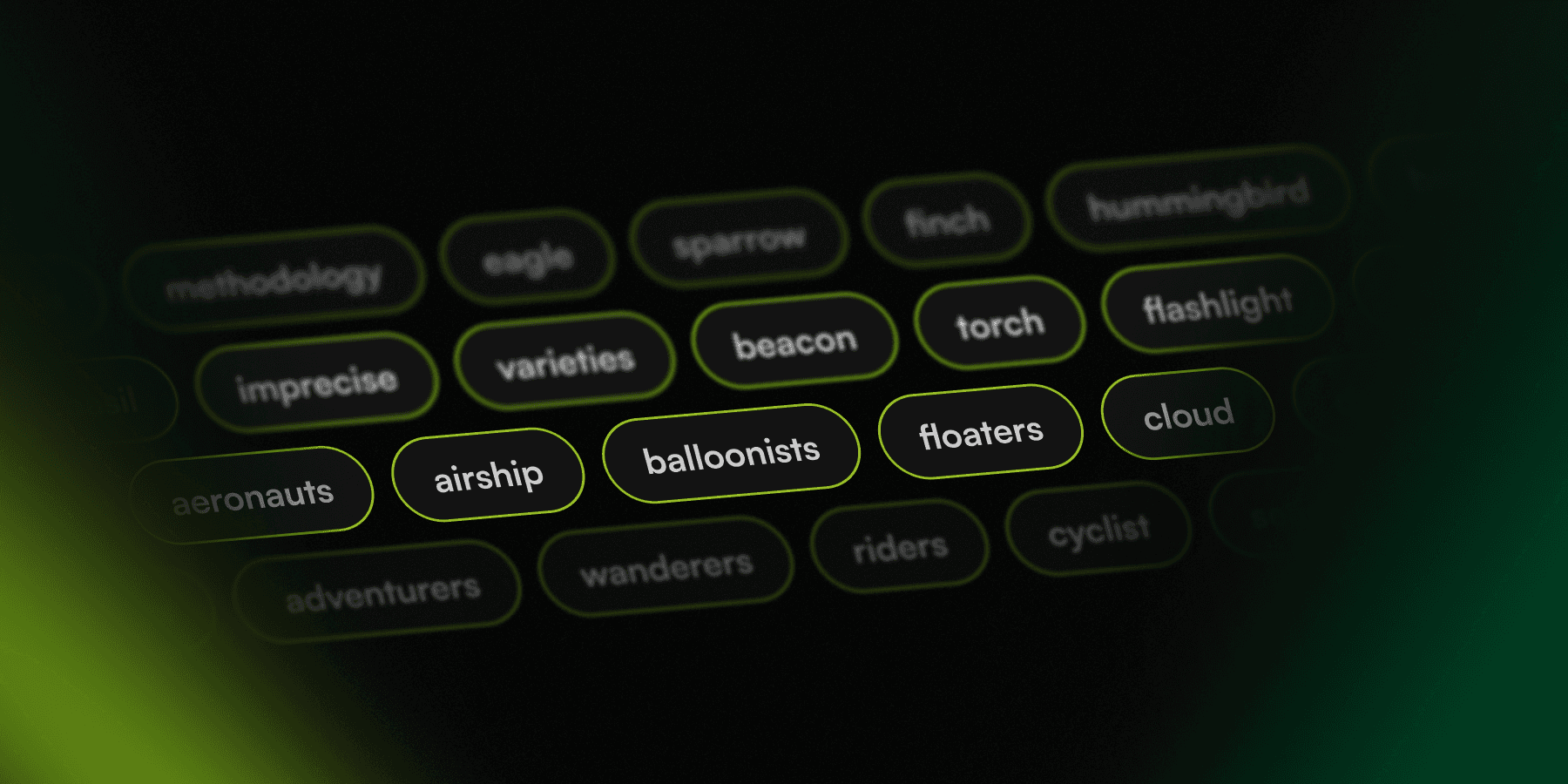
This is where key backup is really important. If you go to Settings > Backup Key Phrase you will see a collection of words that you can copy. These ten words are your key. When you first start using Encamera, the app picks ten random words from a dictionary of thousands, and those words are the seed that everything else is built from. The app splits them into two halves: the first few words get turned into a "salt" (a bit of unique randomness), and the rest become a "password." Encamera then runs them through a battle-tested key derivation algorithm (Argon2, the same kind of math used to protect passwords) to produce a 256-bit encryption key. That key is what actually locks and unlocks every photo and video you save, using XChaCha20-Poly1305 — the same modern, military-grade encryption trusted by security-focused apps everywhere.
The beautiful part is that this works in both directions. The same ten words will always produce the exact same key, so as long as you have the words, you can always recreate your key and get your photos back — even on a brand new phone. But without those words, there's no back door: nobody, not even us, can regenerate your key for you. That's exactly why you should copy this phrase and put it in a safe place: write it down, put it in a password manager, tattoo it on your arm, whatever!
You can also select "Back up Key to iCloud" in the Settings view. This will write your key to the iCloud Keychain, so if you do happen to lose your phone or get a new one, and your images have transferred over, your key will be backed up automatically to iCloud. However, it's best to have multiple backups, so we recommend putting the key phrase into your password manager as well.
Still have questions? Join our Discord server at discord.encamera.app