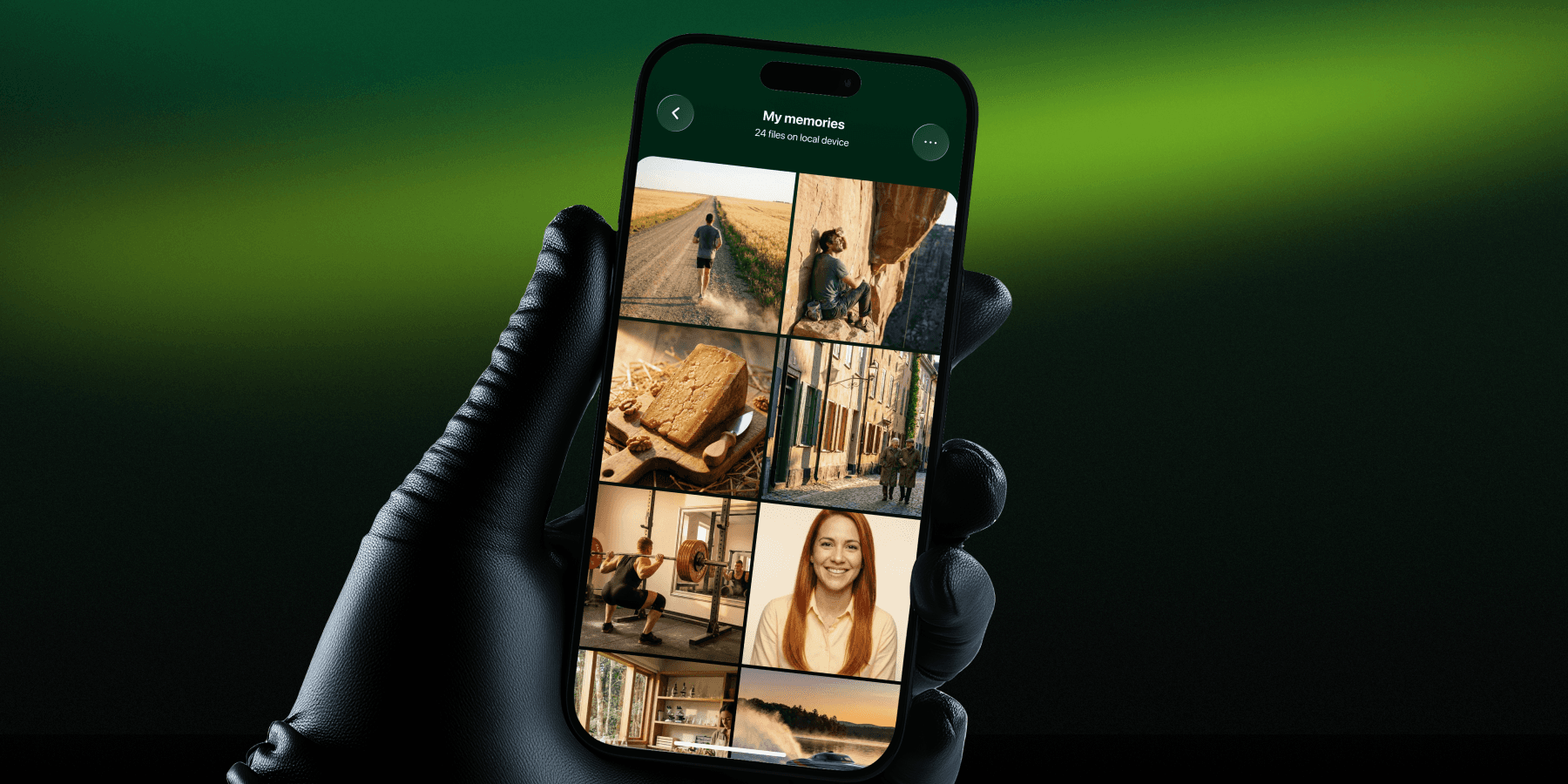
When Apple introduced the ability to lock your iPhone's Hidden Album with Face ID in iOS 16, millions of people assumed their private photos were finally safe. Tuck something in there, lock it up, done. No one can see it.
Here's what Apple doesn't say in the press release: locking a folder is not the same as encrypting its contents.
If you think your Hidden Album is your private photo vault, this post is for you.
What the iPhone Hidden Album Actually Does
The Photos app on iPhone has had a Hidden Album feature since iOS 8. In iOS 16, Apple added Face ID/Touch ID protection to that album, which was a genuine improvement. To a casual observer, or a partner who picks up your phone, those photos are out of sight.
But "out of sight" is not the same as "protected."
Here's what actually happens when you hide a photo on iPhone:
The photo moves to the Hidden Album folder in your main Photos library
That folder requires biometric authentication to view (iOS 16+)
The file itself is stored unencrypted in the same system photo library
iCloud syncs the Hidden Album to all devices on your Apple ID, by default
Anyone with forensic tools, a macOS backup, or physical access to your unlocked device can see every "hidden" photo
The Hidden Album is a privacy screen, not a safe. It keeps casual snoopers out. It does not keep your data private from iCloud, from Apple, from device backups, or from someone with technical knowledge and access to your phone.
What Encryption Actually Means
True encryption converts your photo into an unreadable cipher. Without the specific encryption key, which only you hold, the file is meaningless data. It cannot be viewed, recovered, or extracted, regardless of the tool someone uses.
When your photos are encrypted:
Even if someone extracted the raw files from your device storage, they would see noise - random bytes with no recognizable image
Even if iCloud synced those files to the cloud, Apple (and any hacker who breached Apple) would see only encrypted blobs
Even if your phone was seized by someone with forensic software, they cannot recover the plaintext photos without your password or key
This is a fundamentally different level of protection.
Why a Dedicated Encrypted Photo Vault Is Different
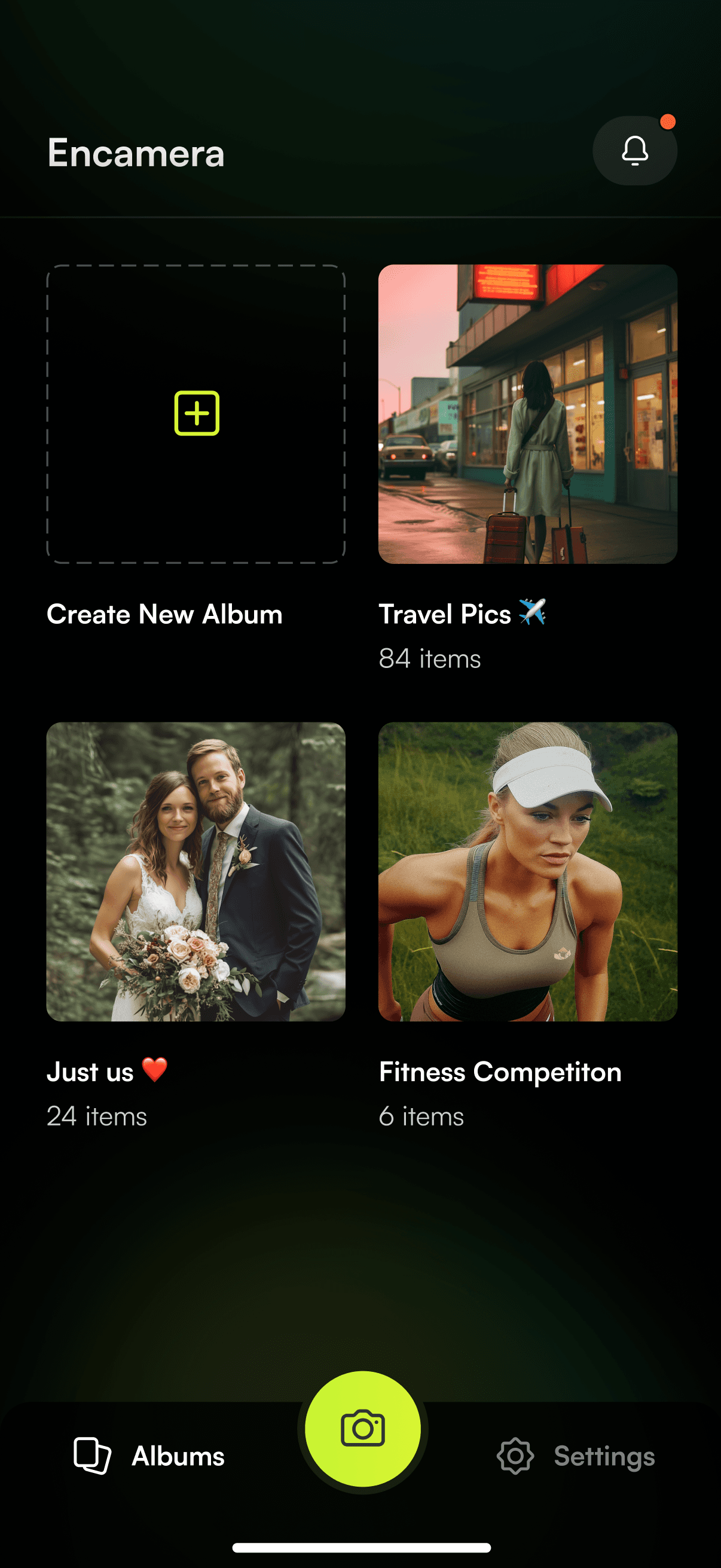
An app like Encamera takes a different approach from the ground up:
Encryption happens on your device, before sync. Every photo you take or import into Encamera is encrypted using XChaCha20-Poly1305 - a modern, high-performance encryption standard used widely in secure communications. Each photo is individually encrypted as its own file, so there's no single point of failure. If you optionally choose to store your photos on iCloud, what gets sent to Apple is already an encrypted blob - Apple holds no key and cannot see your photos.
You hold the key. When you set up Encamera, the app generates a unique 10-word passphrase for you. This isn't a simple password you make up - it's a randomly generated sequence of words that acts as the seed for your encryption key. The app uses this passphrase to mathematically derive your encryption key using Argon2id, a key derivation algorithm specifically designed to be resistant to brute-force attacks. Your key is stored securely in the iOS Keychain on your device. There is no account to create and no server that stores your key. If you want to access your photos across multiple Apple devices, you have the option to back up your key via iCloud Keychain - but this is entirely optional and off by default. If you prefer to keep everything on a single device, your key never leaves your phone.
No cross-contamination with your main library. Photos captured inside Encamera never appear in your system Photos app. They are encrypted the moment they're captured and stored in Encamera's own private app directory - a dedicated, sandboxed area of your device that other apps and the system Photos library cannot access. Each encrypted photo is its own standalone file, named with a random identifier, so even the filenames reveal nothing about what's inside.
Open source and auditable. Encamera's encryption code is publicly available. Security researchers can verify that what the app says it does is actually what it does. The Hidden Album's implementation is a black box.
The practical test
Here is a simple way to understand the difference. Ask yourself: if someone stole your iPhone, connected it to a computer, and ran forensic software on it - what would they find?
With the Hidden Album: your hidden photos, fully visible, in the same folder structure as the rest of your library.
With Encamera: individually encrypted files that cannot be decoded without your passphrase. Each one is just scrambled data -no thumbnails, no previews, no filenames that hint at the contents.
That is the difference between hiding and encrypting.
What you should do
Stop relying on the Hidden Album for anything genuinely sensitive. It is a casual deterrent, not a security feature.
Audit what's in your Hidden Album right now. Move anything sensitive into an encrypted vault.
Enable Advanced Data Protection in iCloud settings if you want Apple's cloud to be more private - but understand its limitations and the recovery key requirement.
Use a dedicated encrypted photo vault for photos that truly cannot be seen by anyone but you.
The iPhone Hidden Album is a convenience feature dressed up to look like a privacy feature. Real privacy requires real encryption - and that starts with understanding the difference.